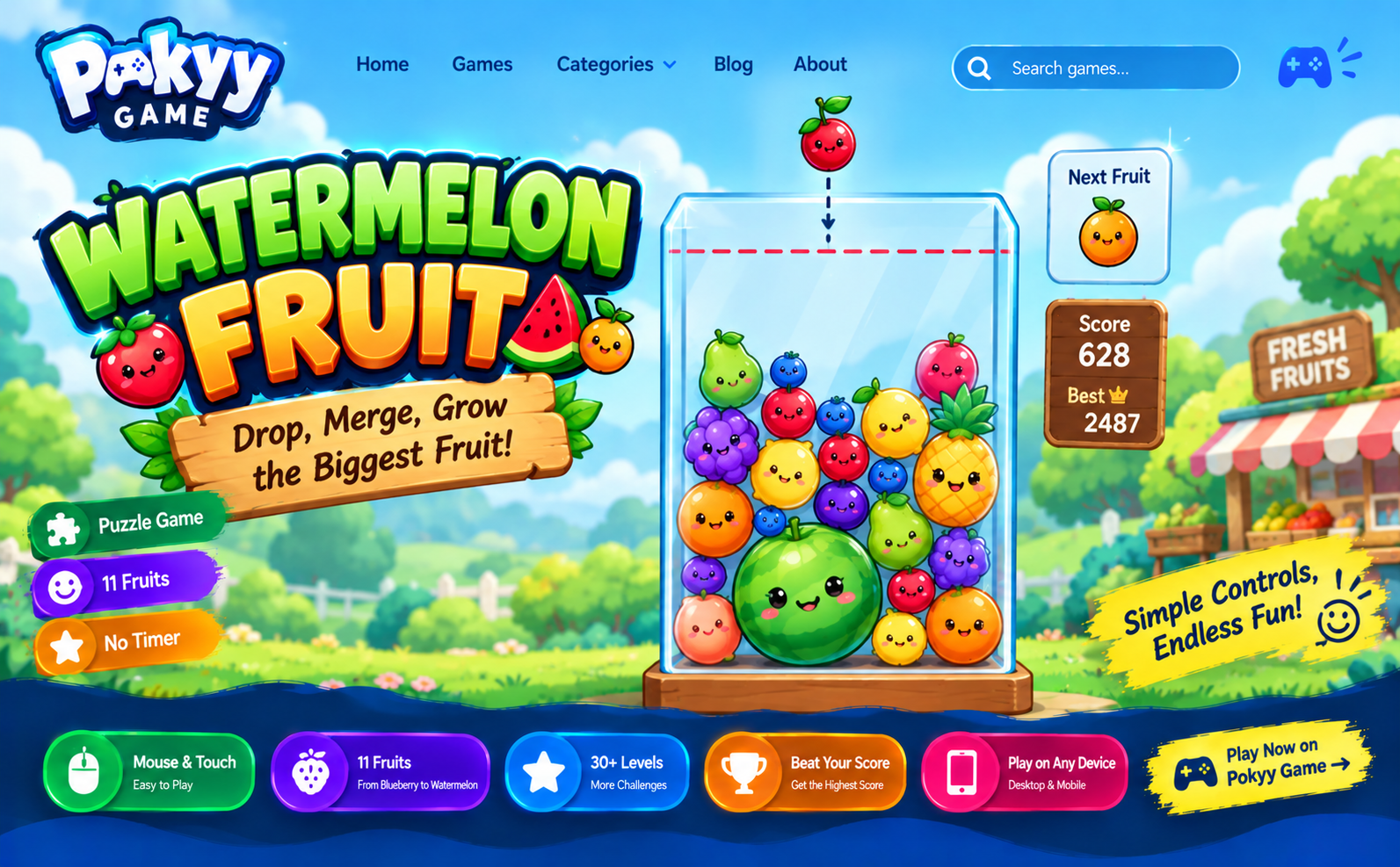
Watermelon Fruit: Play the Free Fruit Merge Game Online
Play Watermelon Fruit free online. Drop fruits, merge matching pairs, and grow a giant watermelon. Keep the pi...
Read More
Chess Master
Chess Master
Chess Master is a tidy, distraction free way to play chess vs computer in your browser. The board is the classic cream and green, your clock sits under the board and the engine's above it, and every move you and the computer make is written down on the right in standard notation. Pick a time control, pick how strong the opponent should be, and play.
The New Game screen has three choices:
Hit Play, and if you chose Black, the board turns around so your pieces are at the bottom.
This isn't a simplified version. Everything the official rules cover is in there, and the game calls draws like threefold repetition on its own:
You can drag a piece or click it and then click the target square. Dots show where the selected piece can go, and the last move stays highlighted so you can see what the engine just did. Under the move list, arrow buttons let you step back through the game to review earlier positions, then jump back to the live board.
There are also Draw, Resign and Flip buttons. Offering a draw is allowed, but don't expect much: the engine declines. Your wins, draws and losses are kept in a small record in the corner and saved in your browser, which makes it a nice way to track progress as you climb from Beginner to Expert.
Yes. Chess Master runs in your browser at no cost, with no download or account.
Yes. Tap a piece, then tap where it should go. On a computer you can also press F to flip the board.
No. This version is you against the engine only.
 Top
Must Play

 Top
 Top
 Top
 Top


Play Watermelon Fruit free online. Drop fruits, merge matching pairs, and grow a giant watermelon. Keep the pi...
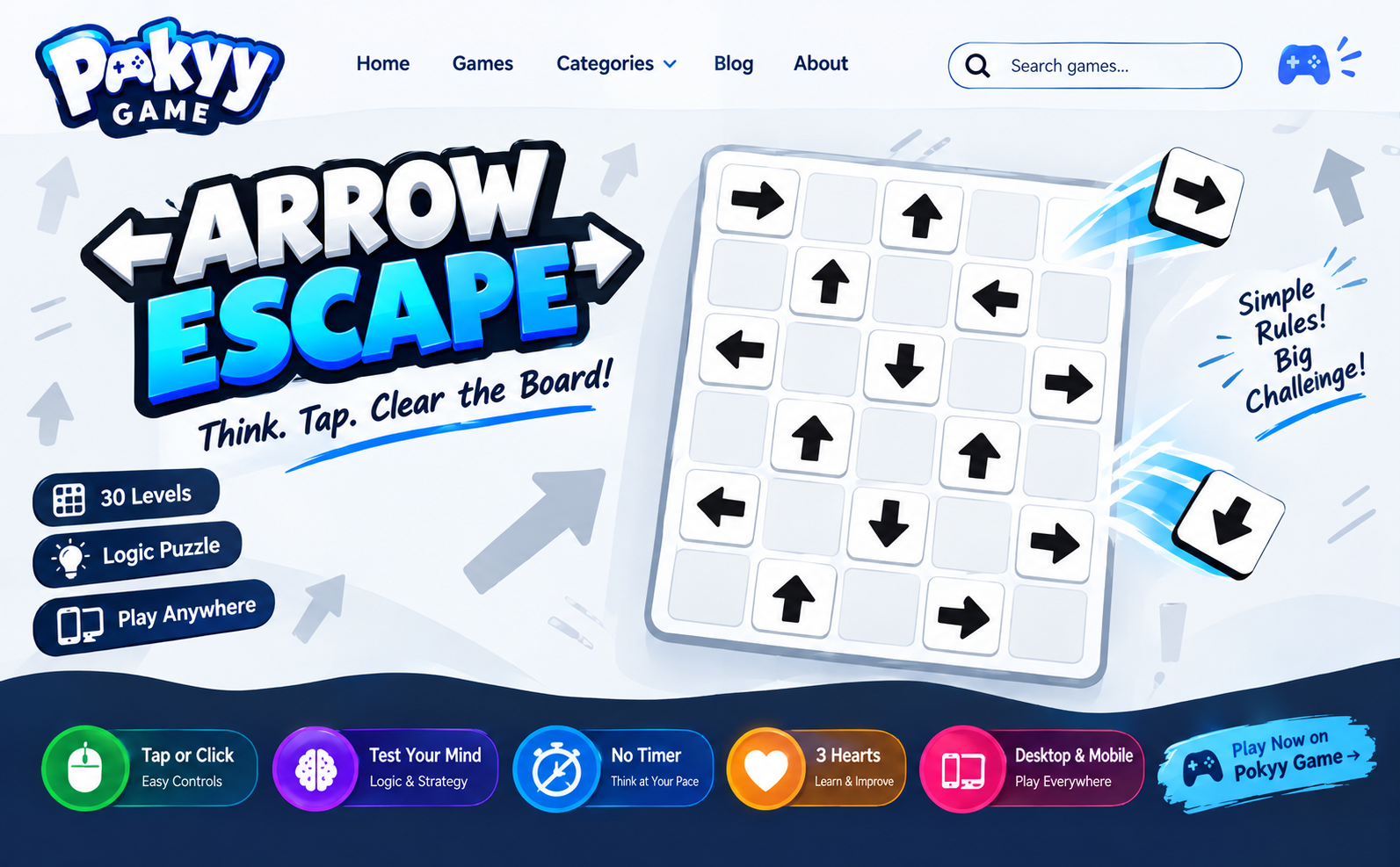
Read MorePlay Arrow Escape free online. Tap arrows with a clear lane, keep your 3 hearts, and solve 30 levels of this c...
Read MorePlay Basketball Dunk free online. Drag the blocks, tap the blue base, and drop the ball in the hoop. A fun phy...
Read More