
Watermelon Fruit: Play the Free Fruit Merge Game Online
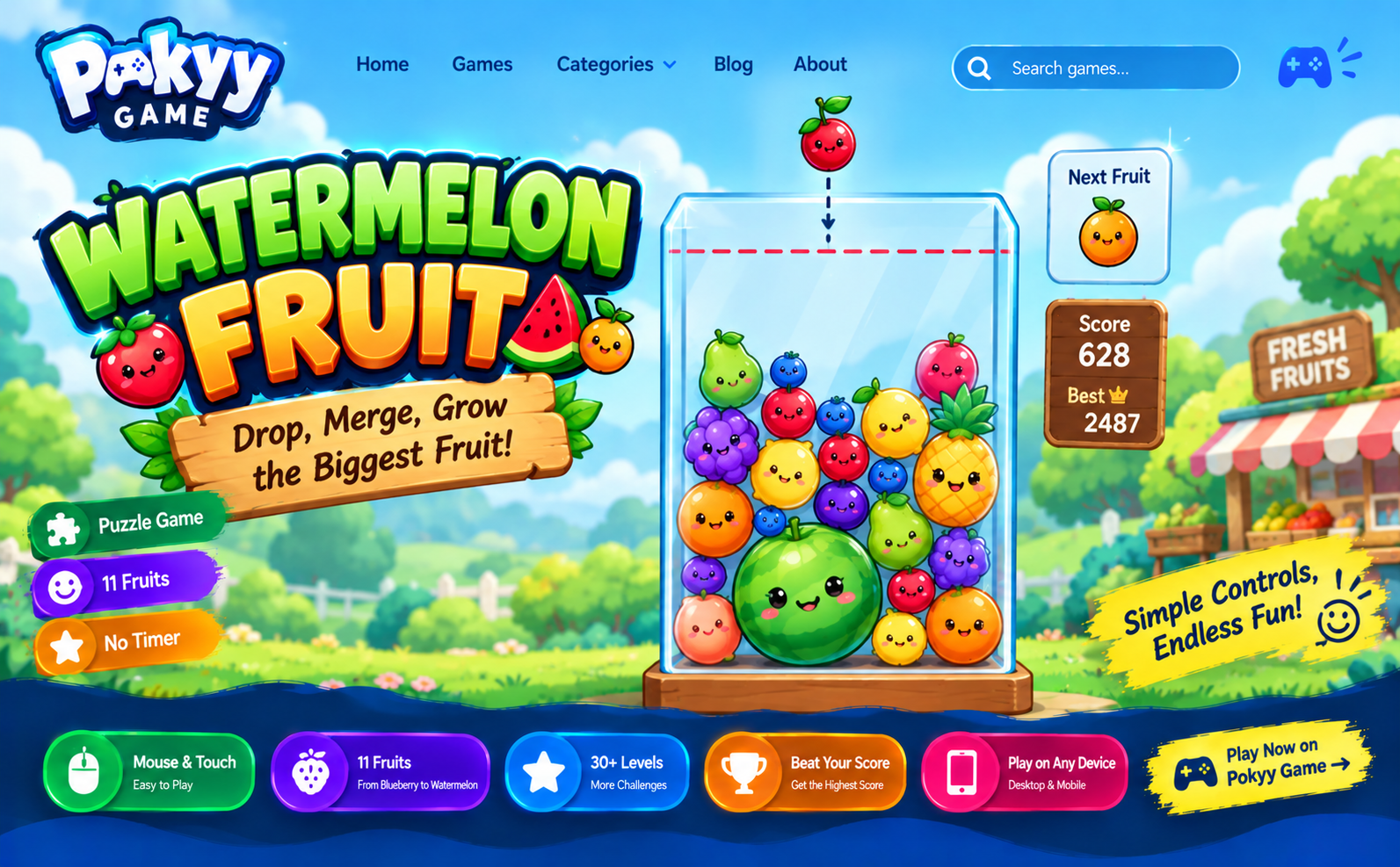
Play Watermelon Fruit free online. Drop fruits, merge matching pairs, and grow a giant watermelon. Keep the pi...
Read More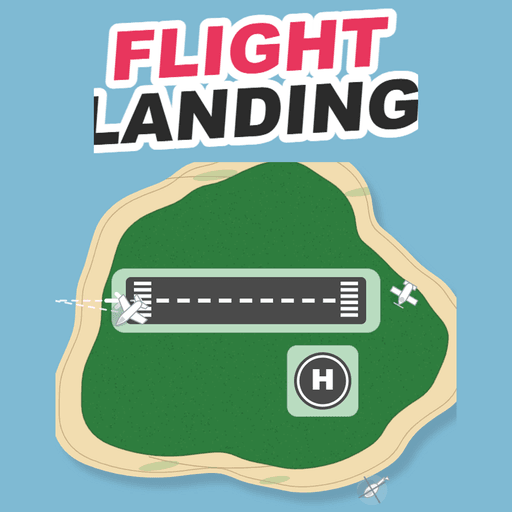
Flight Landing 2
Flight Landing 2
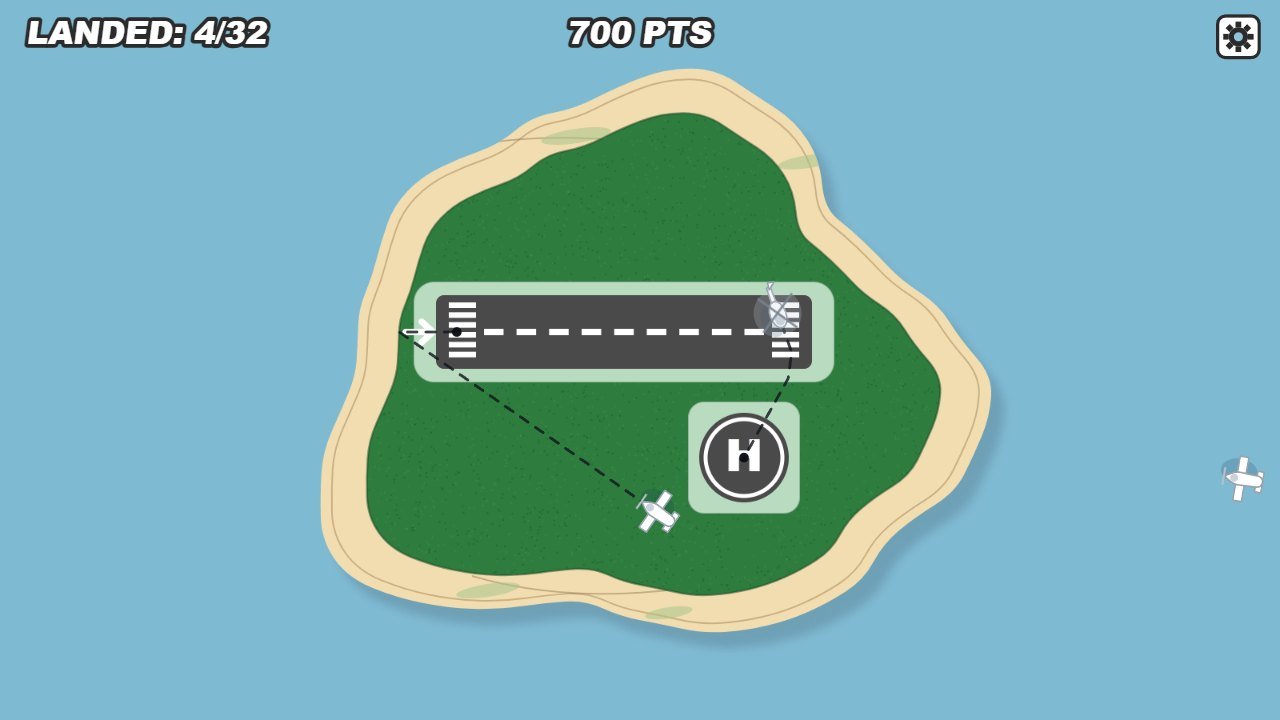
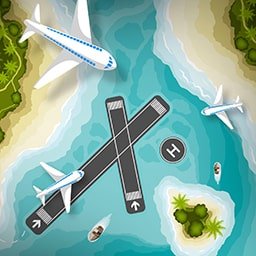
In Flight Landing 2 you sit in the tower of a small island airport, and the sky around you keeps filling up. It is an air traffic control game played with one finger or one mouse button: press on an aircraft, drag a line to where it should land, and let go. The aircraft flies the line you drew. Your only job is to make sure no two of them ever touch.
The island has one runway and one helipad, both drawn in a clean, flat style, and everything you need to read is on screen: how many landings you have, how many the level wants, and your points.
There are three kinds of traffic, and they do not behave the same way.
Planes need the runway and always come in from the end with the white arrow, so plan your line to finish on that side. A helicopter will not take the runway and a plane will not take the pad. Aircraft you have not routed yet do not leave. They keep flying and turn back when they reach the edge of the screen, and they can collide just as easily as the ones you are guiding. A red exclamation mark at the edge warns you shortly before a new arrival appears.
There are 20 levels. The first asks for 10 landings, and each level after that asks for two more while sending traffic in faster and allowing more aircraft in the air at once. Early levels are mostly propeller planes, and jets take over later. A single collision ends the attempt and you start the level again.
Each landing scores points, with jets worth the most, and every landing you chain together within a level adds a bigger bonus on top. Your best score is kept, and the game saves which levels you have unlocked.
Any air traffic control game lives or dies on how readable the sky is, and this one stays clear even when it gets busy. If you like an airplane landing game that rewards planning more than reflexes, this one is easy to start and hard to put down. For an airport game online, it is refreshingly simple to learn, and short levels make it a nice break, and it works as a calm strategy puzzle game for anyone who enjoys watching a messy sky slowly sort itself out.
Yes. It is free and runs in your browser, with nothing to download or install.
Yes, routes are drawn by dragging, which works with touch as well as with a mouse.
Yes, your unlocked levels and best score are saved in your browser on that device.
 Top
Must Play


 Top

 Top

 Top
 Top



Play Watermelon Fruit free online. Drop fruits, merge matching pairs, and grow a giant watermelon. Keep the pi...
Read MorePlay Arrow Escape free online. Tap arrows with a clear lane, keep your 3 hearts, and solve 30 levels of this c...
Read MorePlay Basketball Dunk free online. Drag the blocks, tap the blue base, and drop the ball in the hoop. A fun phy...
Read More