


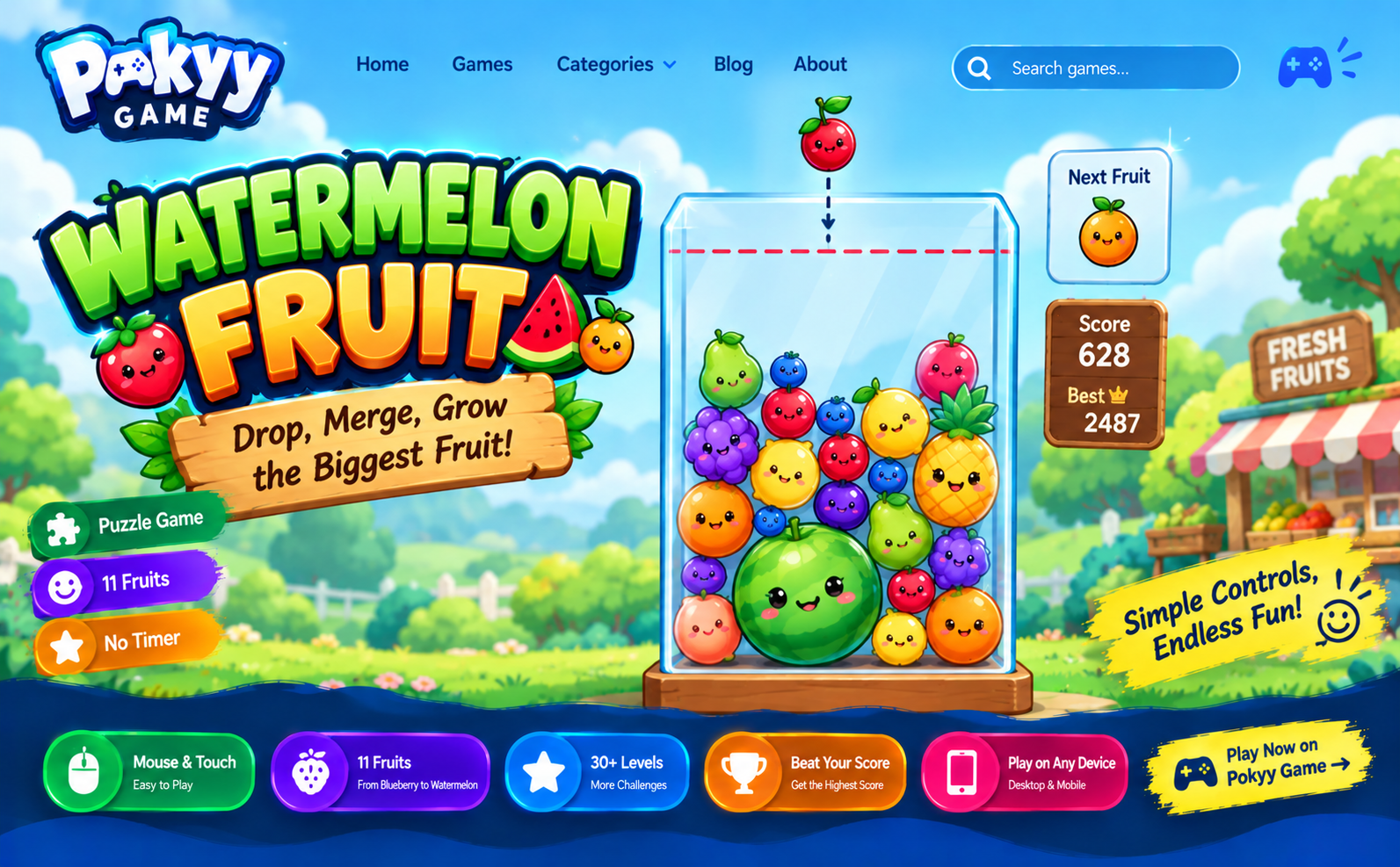
Watermelon Fruit: Play the Free Fruit Merge Game Online
Play Watermelon Fruit free online. Drop fruits, merge matching pairs, and grow a giant watermelon. Keep the pi...
Read More
Cube 3D
Cube 3D
Cube 3D is a clean, good looking rubiks cube game that runs right in your browser. A shiny cube floats over a starry space background, and you grab its layers with your mouse or finger and twist them. Double tap to start, the cube scrambles itself, a timer appears at the top and it's up to you to put every face back to a single color.
The turns feel crisp. You can watch a layer rotate as you drag, and it snaps into place when you let go.
The gear icon opens a settings screen that changes more than I expected:
The trophy button shows your stats for the current cube size: total solves, best time, worst time and averages of 5, 12 and 25 solves. If you're into speedcubing, that speedcubing timer plus the averages make this 3D cube puzzle a handy practice tool. The game also remembers your settings, your stats and even an unfinished cube in your browser, so you can come back to a solve later.
Anyone who owns a real cube and wants to practice without one in hand will feel at home. It's also a great way to try a rubiks cube game before buying a physical cube, and the bigger sizes make it one of the better brain games for adults on a slow afternoon.
Yes. Cube 3D online is free and runs in your browser with no download or sign-up.
Yes. Drag with your finger to turn layers and double tap to start, just like with a mouse.
Yes. Your stats and settings are stored in your browser on that device.
 Top
Must Play


 Top

 Top

 Top

 Top




Play Watermelon Fruit free online. Drop fruits, merge matching pairs, and grow a giant watermelon. Keep the pi...
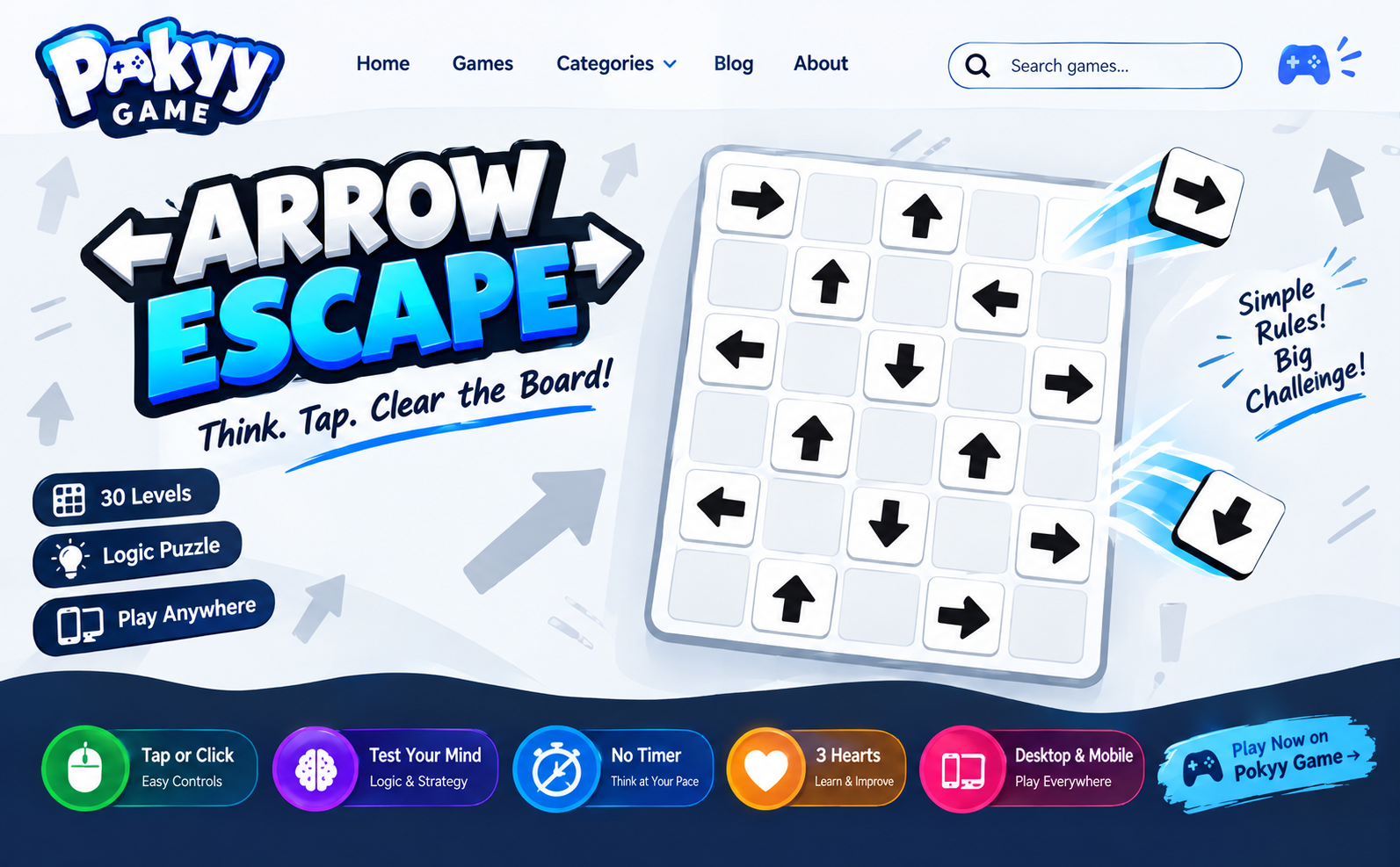
Read MorePlay Arrow Escape free online. Tap arrows with a clear lane, keep your 3 hearts, and solve 30 levels of this c...
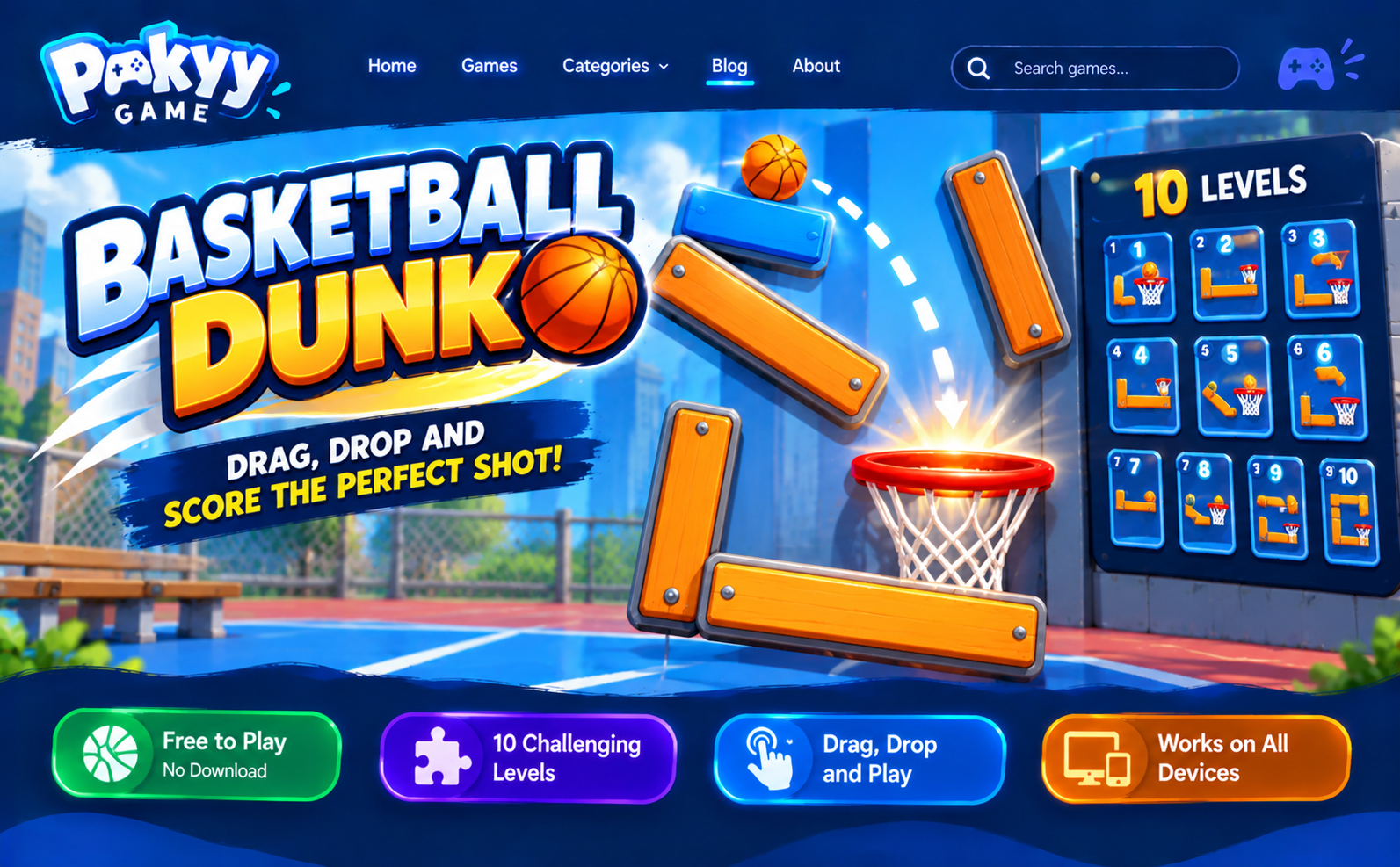
Read MorePlay Basketball Dunk free online. Drag the blocks, tap the blue base, and drop the ball in the hoop. A fun phy...
Read More