





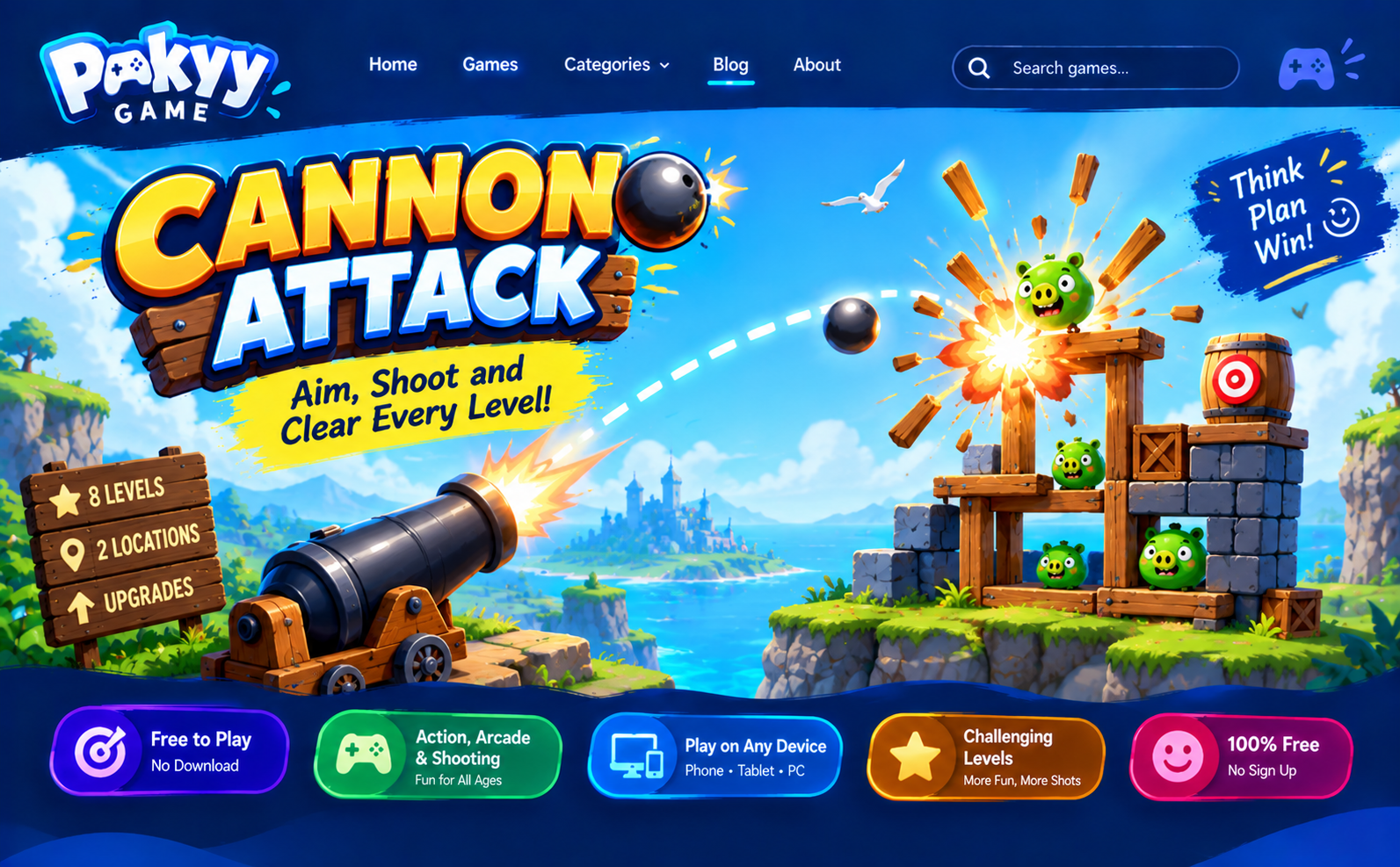
Cannon Attack Game: Play Free Online and Test Your Aim
Play Exciting Online Games Without Downloads | PokyyGame
Read More
Kill Zombies
Kill Zombies
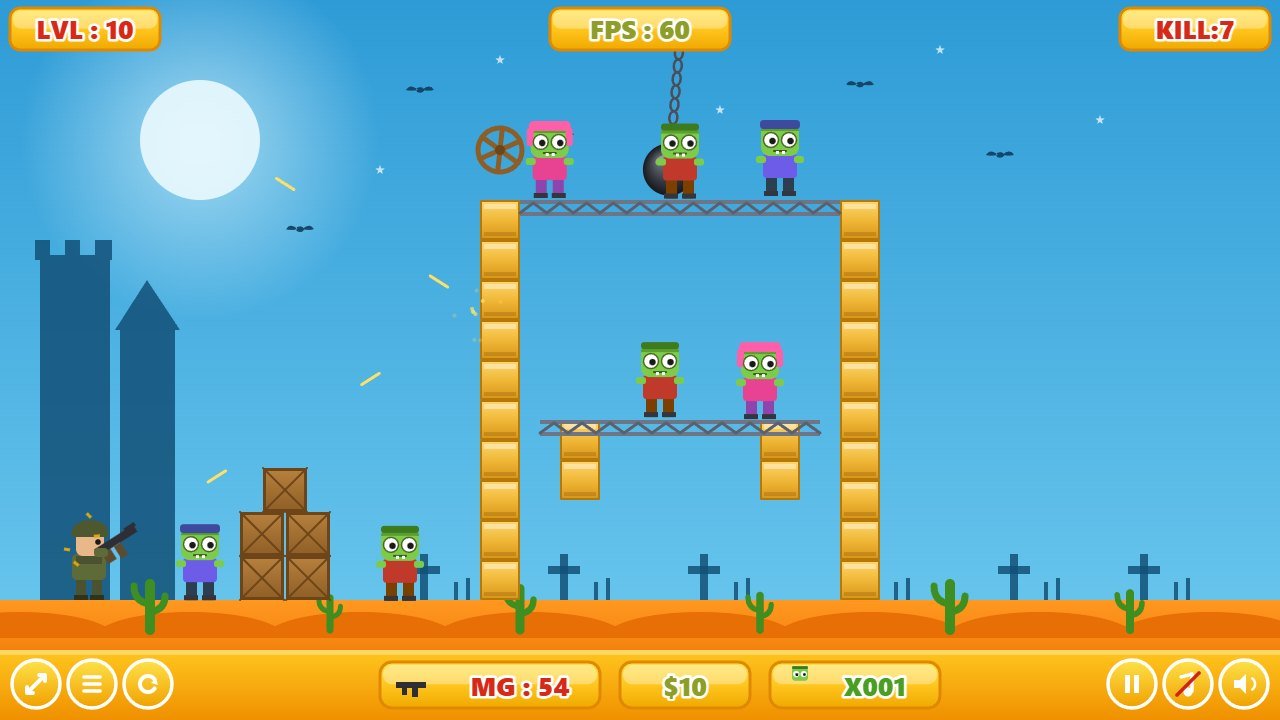
Kill Zombies is a zombie shooting game where aiming matters more than speed. A soldier stands on the left of a desert graveyard, a crew of cartoon zombies waits on towers, platforms and the sand, and you have a machine gun with a limited number of rounds. Clear every zombie on the screen and the level is done. Run out of bullets with even one still standing and you start over.
The look is bright and silly rather than scary: green, pink and blue zombies with big eyes, gold brick columns, wooden crates and an iron wrecking ball swinging on a chain.
Move the mouse to aim and hold the button to fire. On a phone or tablet, touch and hold to shoot and slide your finger to steer the gun. Your ammo count sits in the bar at the bottom, along with the number of zombies still left at the top right. There are no keyboard controls.
This is where it turns into a shooting puzzle game. Each object on the map reacts to your bullets in its own way:
Some zombies just stand there, while others walk back and forth along their ledge, so timing a shot matters too.
The level select screen has 15 levels, each showing up to three stars. Stars depend on how much ammo you have left at the end: finish with plenty in the clip for three stars, less for two, and scrape through for one. That makes the wrecking ball and falling crates more than a fun extra, because every zombie they take out is ammo you keep. Later levels reuse the five arenas, among them a fortress, a brick staircase, a bridge and a pair of towers, but with more zombies and more ammo to manage.
Anyone who likes a physics shooter game or a quick aim and shoot game will get this zombie shooting game within seconds, and the cartoon style keeps it light enough for younger players.
Yes, it is free and runs in your browser with nothing to install.
Yes. Touch and hold to fire, and drag to aim.
Yes, unlocked levels, stars and your total kill count are saved in your browser on that device.
 Top
Must Play

 Top


 Top

 Top
 Top




Play Exciting Online Games Without Downloads | PokyyGame
Read MorePlay Watermelon Fruit free online. Drop fruits, merge matching pairs, and grow a giant watermelon. Keep the pi...
Read MorePlay Arrow Escape free online. Tap arrows with a clear lane, keep your 3 hearts, and solve 30 levels of this c...
Read More