


Sprinters Challenge: Play the Free Running Race Game Online
Free Online Games: No Download Required | PokyyGame.com
Read More
Sprinters Challenge
Sprinters Challenge
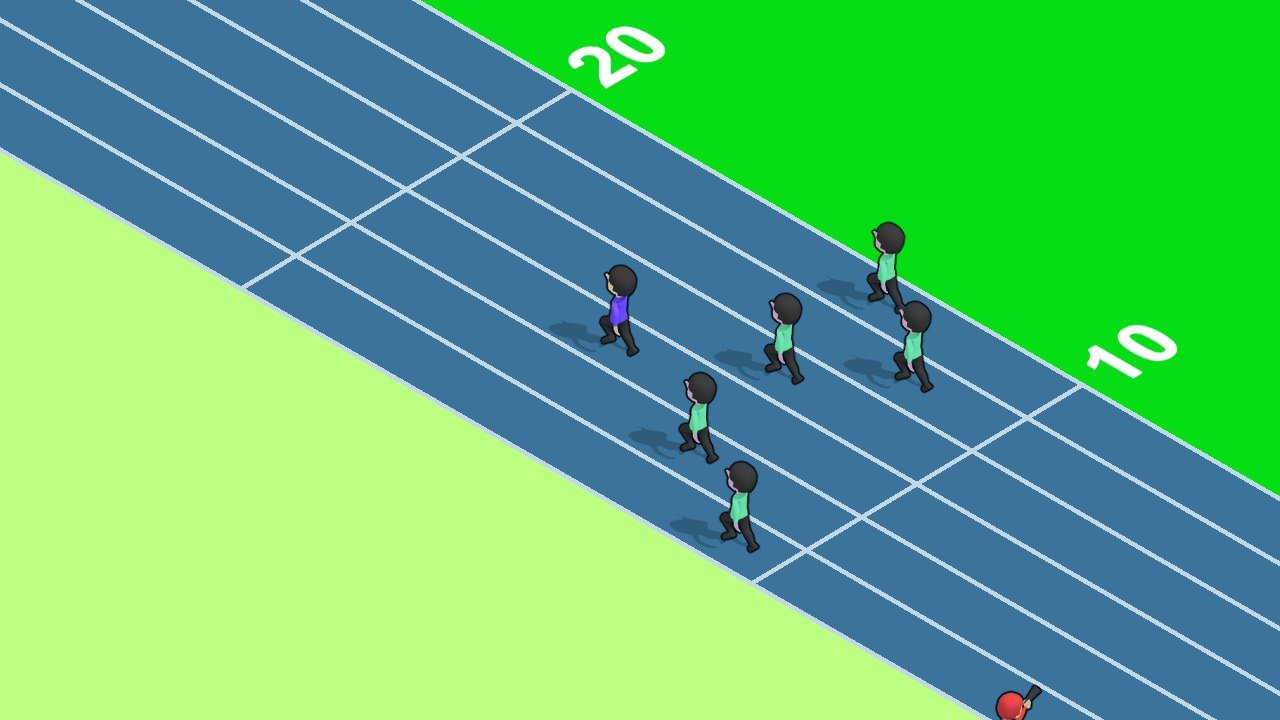
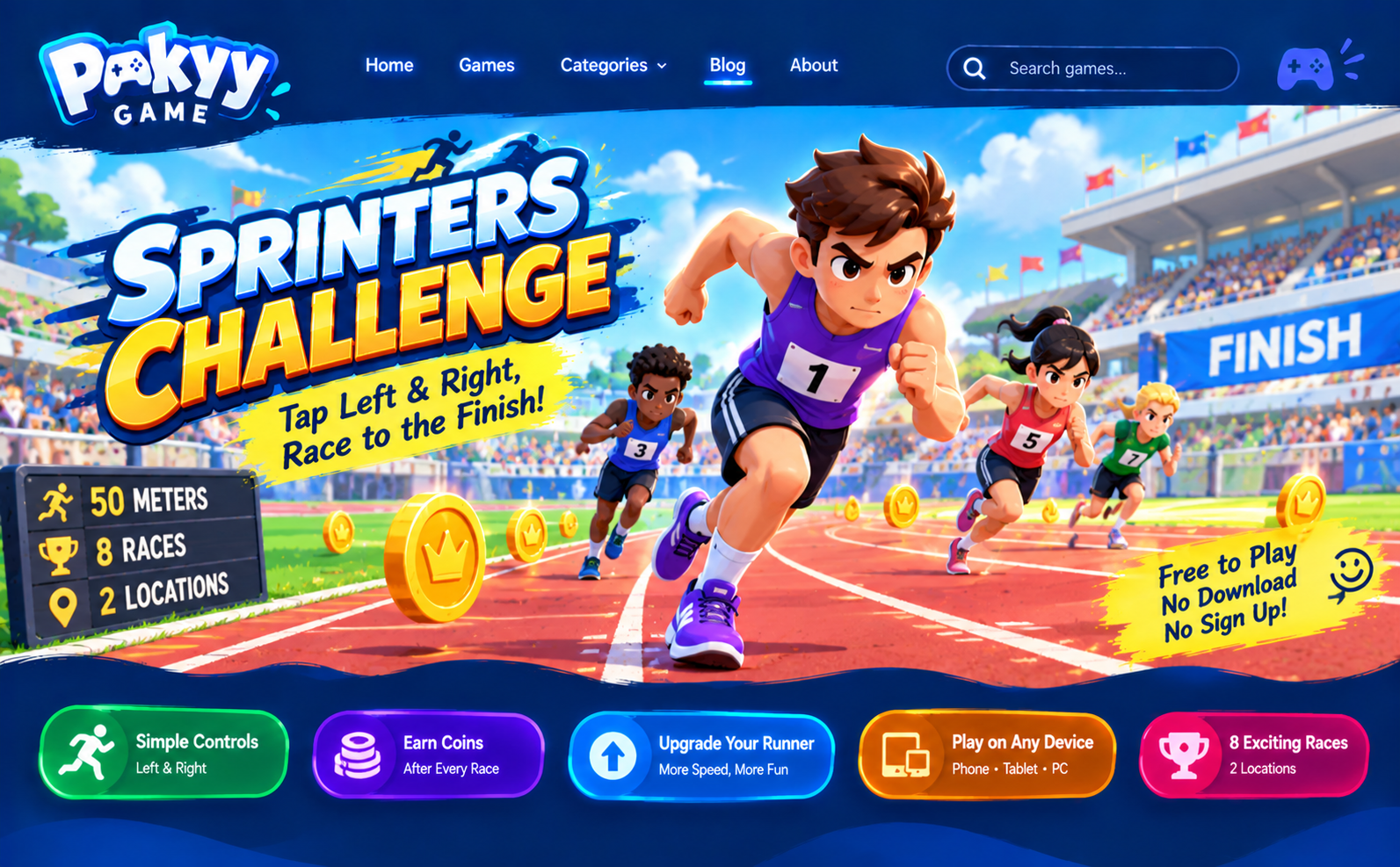
Sprinters Challenge is a short, sweaty little running race game about one thing: how fast can your fingers go left, right, left, right. Your runner in the purple shirt lines up with the rest of the field on a blue track, the starter in red raises his pistol, and the moment you see Go it's a dash to the 50 meter line. Races take seconds, so it's easy to keep pressing Continue for one more.
Before each race you see a Tap To Start bar across the track. Tap it and the runners crouch while the screen counts through the start calls, with the word Set appearing over the lane. Once Go shows up, start alternating:
Pressing the same side twice doesn't help. The rhythm is what moves your runner, so a steady left, right beat works better than frantic mashing on one key.
Every finished race shows a Completed screen with confetti and the coins you earned, then a Continue button to the next race. Coins pay for two upgrades shown under the track before each start, Max Speed and Acceleration, each starting at 5 coins. There's also a shopping cart button that opens a character screen with a grid of locked runners and an Unlock Random option for 600 coins.
Each race changes the look of the field. In my first race the other sprinters wore pink, and in race 2 they were in green, which makes it easy to spot your purple runner pulling away.
If you enjoy a classic button mashing game or remember track and field games where you hammered two keys to sprint, this scratches the same itch in a much shorter package. It's also a fine tap to run game for kids, since the only rule is left then right.
Yes. It plays in your browser on PokyyGame, with no download or account.
Yes. Tapping the left and right halves of the screen runs your sprinter, just like the arrow keys do on a computer.
The races I played ran to a 50 meter finish line marked on the track, which takes only a few seconds at full speed.
 Top
Must Play
 Top
 Top
 Top
 Top
Free Online Games: No Download Required | PokyyGame.com
Read MoreDiscover Free Browser Games: Play Instantly | PokyyGame
Read MoreFree Online Games: No Download Required | PokyyGame
Read MorePlay Exciting Free Online Games Without Installation | PokyyGame
Read More