




Best Family Games to Play Together: Board, Browser and Phone Picks
Top Free Online Games: Play Instantly in Your Browser | PokyyGame
Read More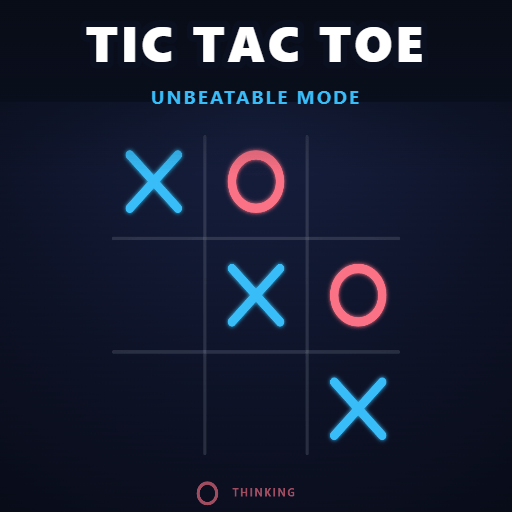
Tic Tac Toe
Tic Tac Toe
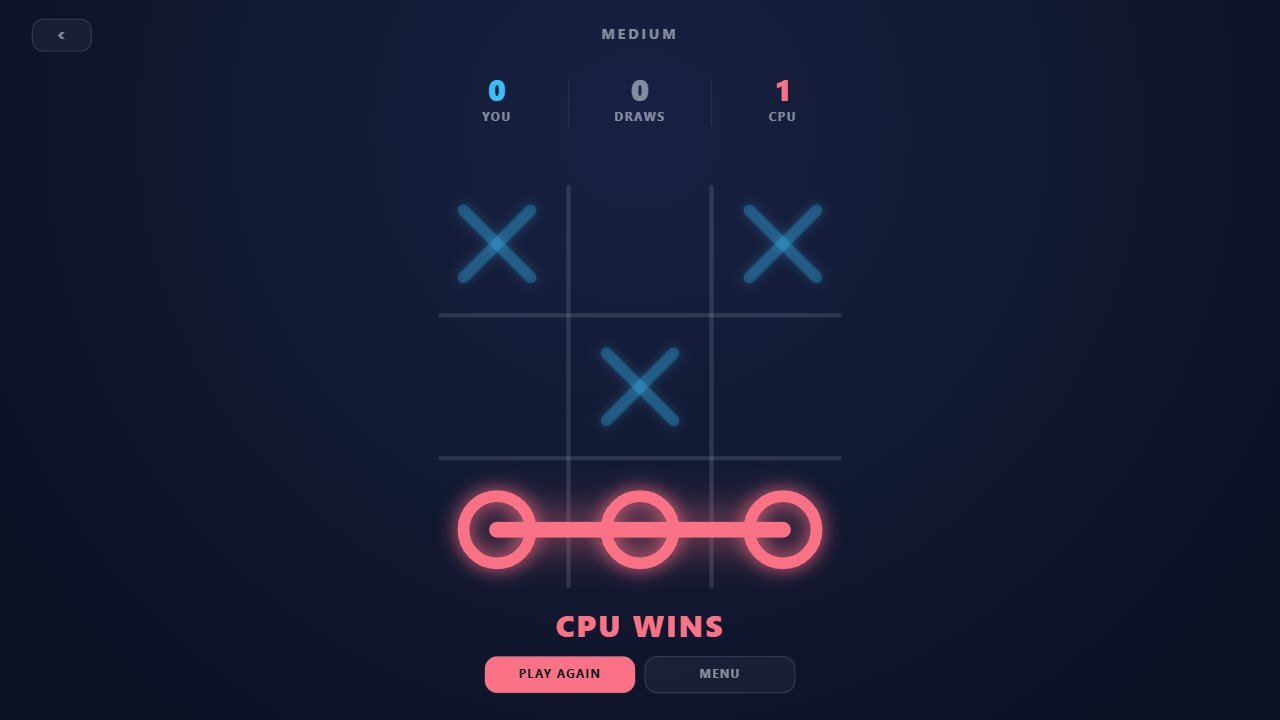
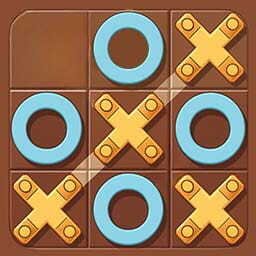
Everyone knows the rules of noughts and crosses, which is exactly why a good version matters. This one lets you play tic tac toe online against a computer that really thinks, or against a friend sitting next to you. The board is a dark blue grid with neon blue crosses and pink circles that draw themselves in as you play, and a glowing line sweeps through the winning row.
Get three of your marks in a row, across, down or diagonally, before the other side does. That's it. The fun is in the opponent.
On the start screen choose Computer, pick a difficulty and press Start. You play X and the computer plays O.
The computer picks at random between moves that are equally good, so even on Impossible the games don't all look the same.
Pick Two Players and you take turns on the same screen, one as X and one as O. A label under the board shows whose turn it is. It works nicely as tic tac toe for kids on a tablet passed back and forth or a laptop between two people.
In both modes the first move switches sides every round, so nobody keeps the advantage of going first. A scoreboard at the top keeps count of wins for each side and draws.
Yes. It's free and runs in any modern browser with nothing to install.
Yes. Tap the squares with your finger. The board resizes to fit the screen.
Your chosen mode, difficulty and the current scoreboard are kept in your browser. Starting a new match from the menu resets the score.
No. Tic tac toe is a solved game, and perfect play from both sides ends in a draw.
 Top
Must Play


 Top
 Top


 Top
 Top




Top Free Online Games: Play Instantly in Your Browser | PokyyGame
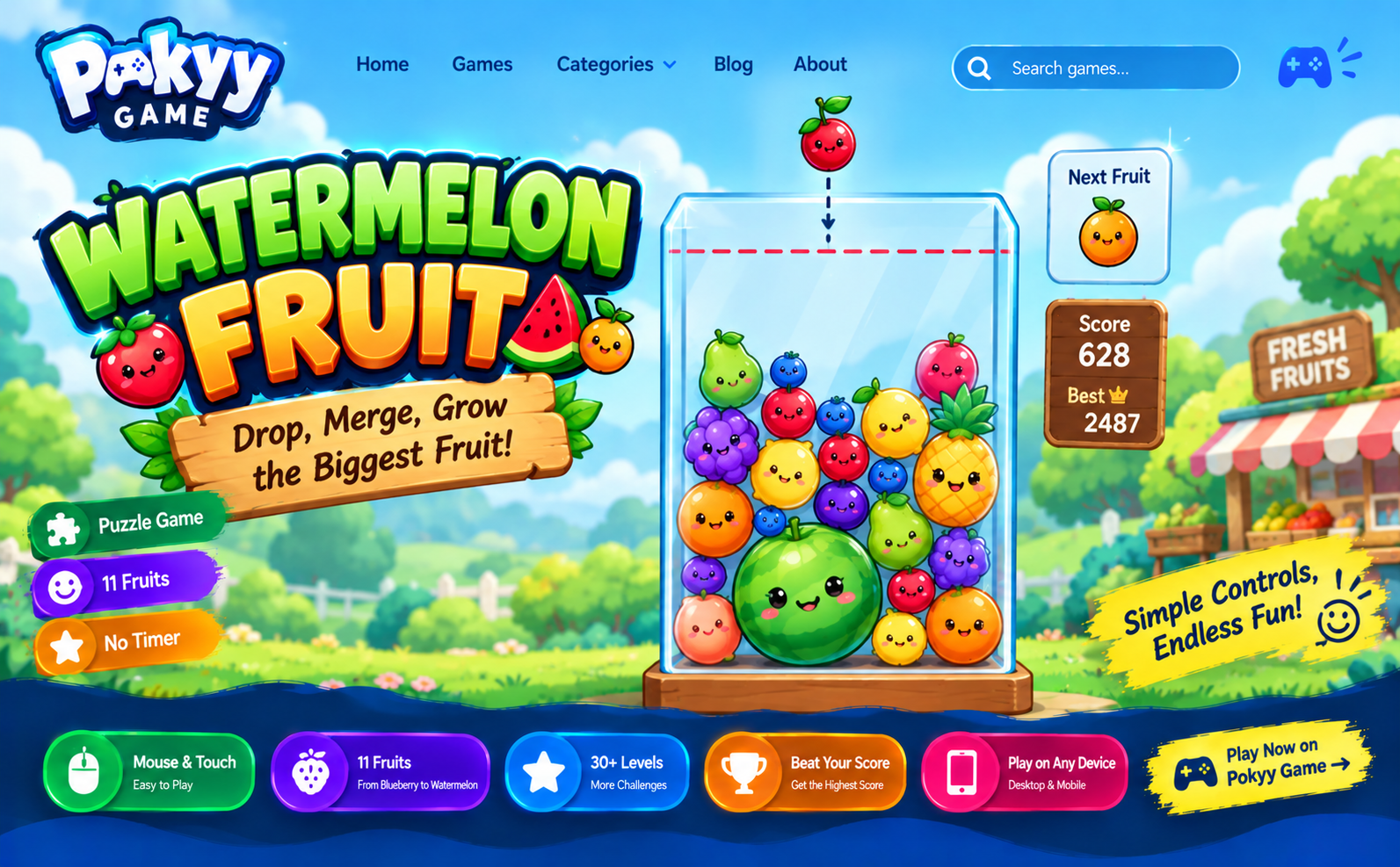
Read MorePlay Watermelon Fruit free online. Drop fruits, merge matching pairs, and grow a giant watermelon. Keep the pi...
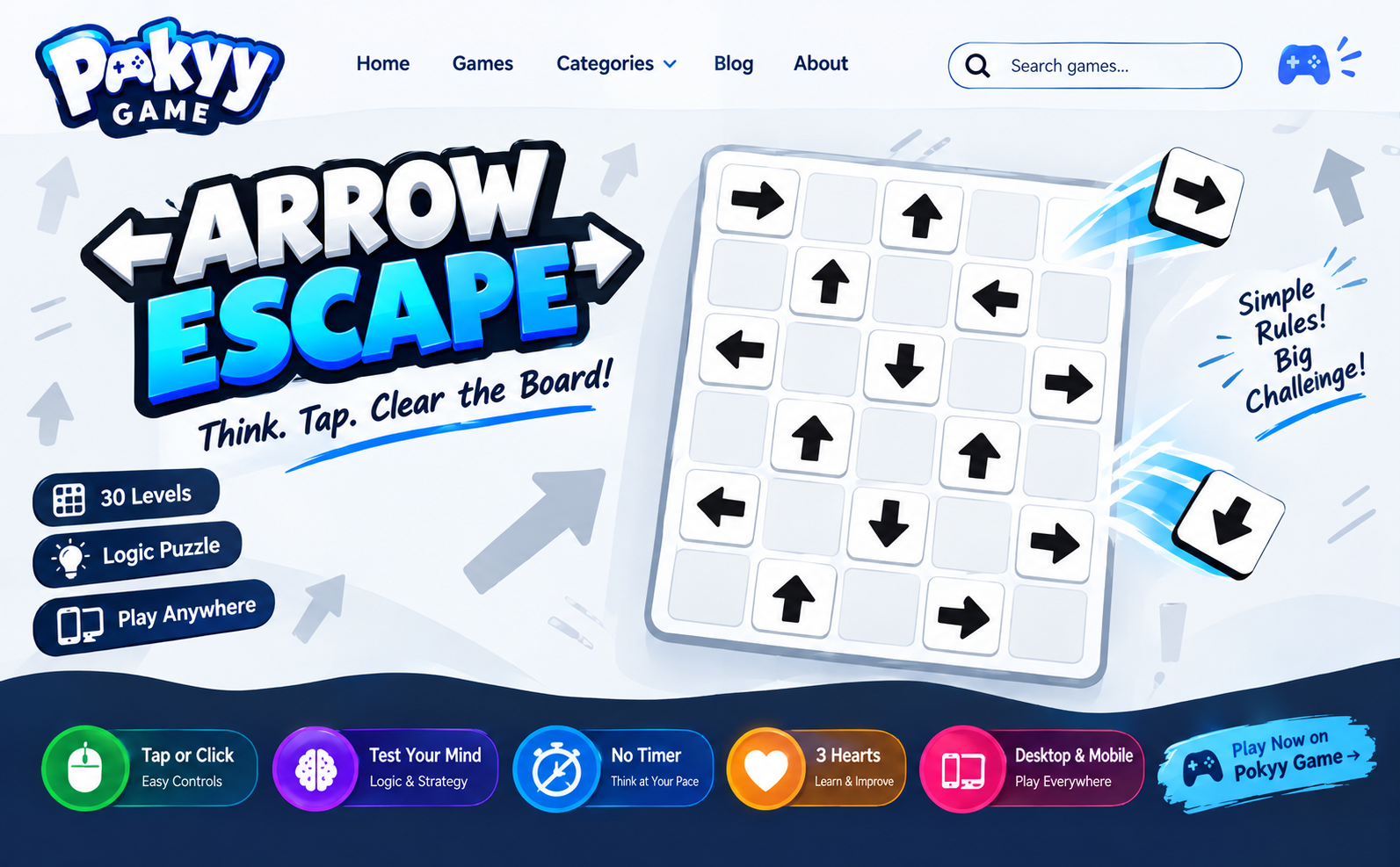
Read MorePlay Arrow Escape free online. Tap arrows with a clear lane, keep your 3 hearts, and solve 30 levels of this c...
Read More