


Sprinters Challenge: Play the Free Running Race Game Online
Free Online Games: No Download Required | PokyyGame.com
Read More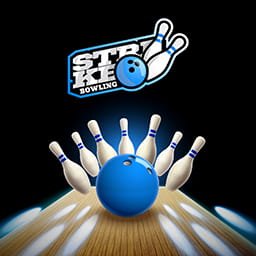
Strike Bowling
Strike Bowling
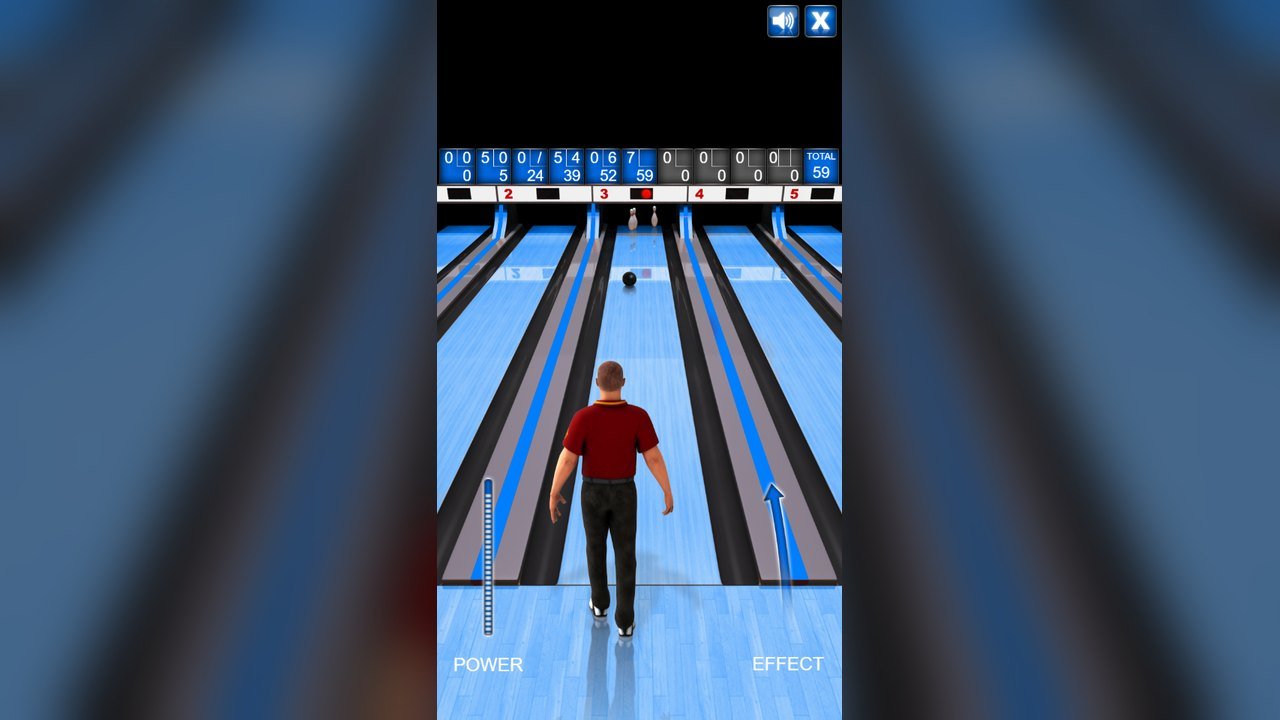
Strike Bowling is a 3D bowling game online that keeps things close to a real night at the lanes. You stand behind your bowler on a polished blue alley, a full scoreboard runs across the top of the screen, and every game lasts ten frames. Each throw comes down to three quick decisions, and getting all three right is what turns an eight count into a strike.
The ball then travels down the lane, and the pins that fall are added to the scoreboard. Miss everything and a big red Gutterball message lights up the monitor above the lane, which is a little embarrassing the first time it happens.
Power matters more than anything else. The meter takes less than a second to fill, so wait for it to reach the very top before you press. In my first rolls I pressed too early, the ball barely made it to the pins and I ended up with gutter balls. Once I timed the top of the bar, most first throws knocked down a good chunk of the rack.
Keep the spin small while you're learning. A straight ball from the middle of the lane is the easiest way to hit the head pin, and a big curve can carry the ball right into the gutter. For the second roll of a frame, move your bowler toward the side where the leftover pins are standing before you set the power. Spares count, and the scoring follows normal ten pin rules, so a spare or strike adds a bonus from your next throws.
The scoreboard tracks every frame and a running total in the top right. After the tenth frame a Game Over panel shows your total score with buttons to go home or start again. My first full game finished at 123, which leaves plenty of room to improve.
This bowling game online is great for sports fans who want a quick match without leaving the browser, and for anyone who likes timing games where one press decides everything. A full game only takes a few minutes, and it's easy to play one more to beat your last total.
Yes. You can play Strike Bowling free on PokyyGame, right in your browser, with nothing to install.
Yes. On phones and tablets you tap the screen to switch between steps and use the arrow buttons to move. On a computer you can use the keyboard or the mouse.
Ten, just like a real game of ten pin bowling.
 Top
Must Play
 Top
 Top
 Top
 Top
Free Online Games: No Download Required | PokyyGame.com
Read MoreDiscover the best free browser games you can play right now on PokyyGame.
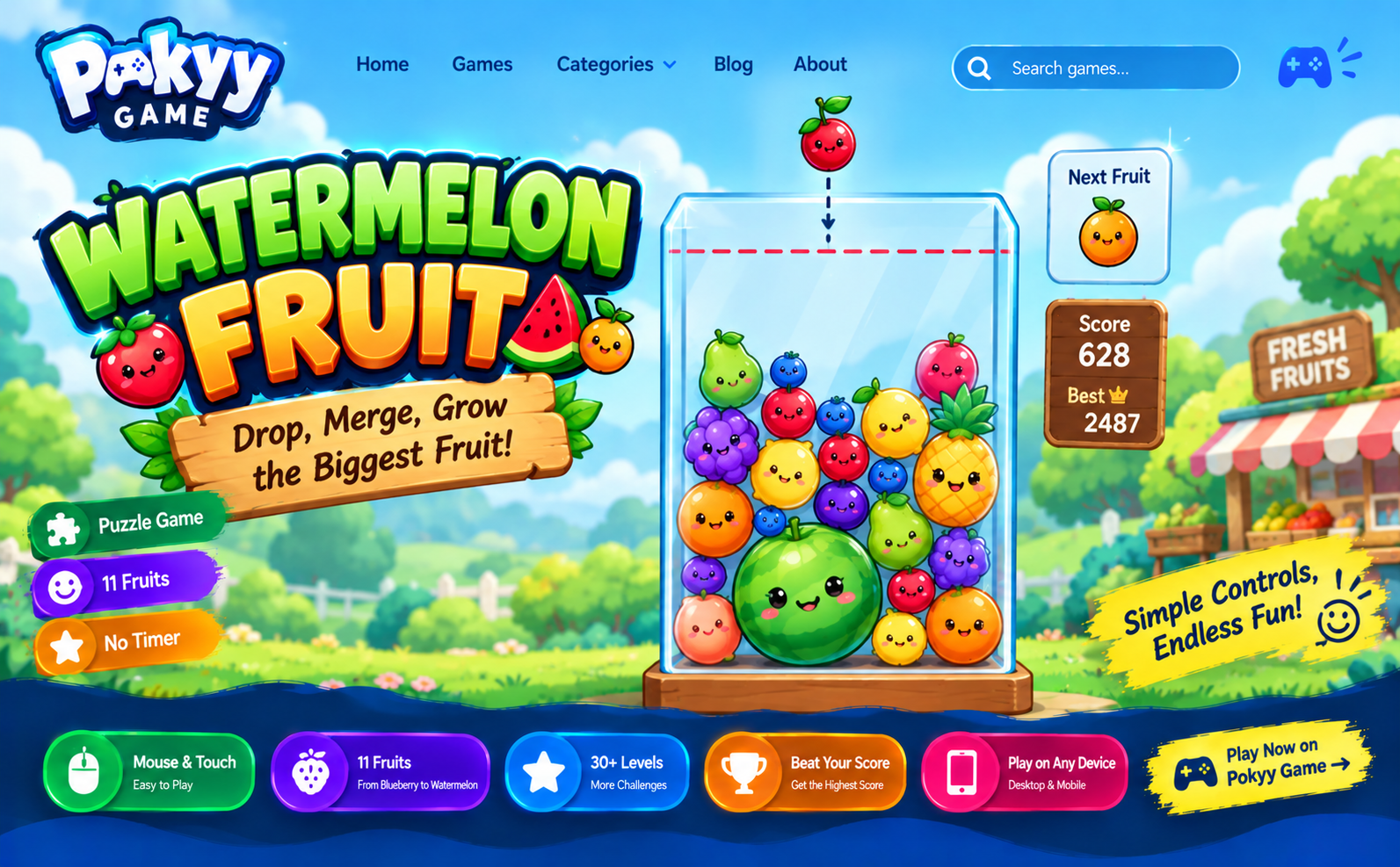
Read MorePlay Watermelon Fruit free online. Drop fruits, merge matching pairs, and grow a giant watermelon. Keep the pi...
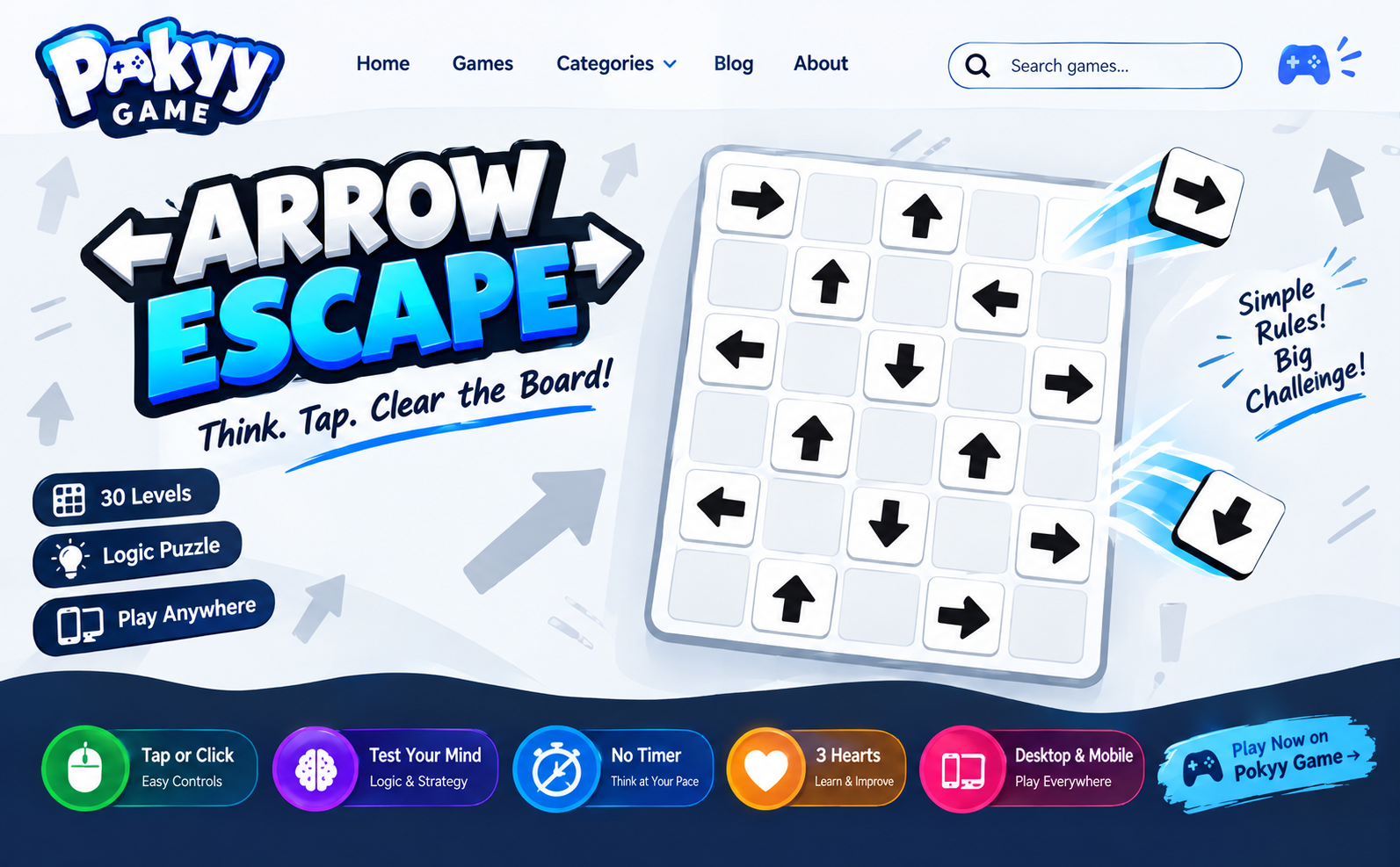
Read MorePlay Arrow Escape free online. Tap arrows with a clear lane, keep your 3 hearts, and solve 30 levels of this c...
Read More