



Watermelon Fruit: Play the Free Fruit Merge Game Online
Play Watermelon Fruit free online. Drop fruits, merge matching pairs, and grow a giant watermelon. Keep the pi...
Read More
Watermelon Fruit
Watermelon Fruit
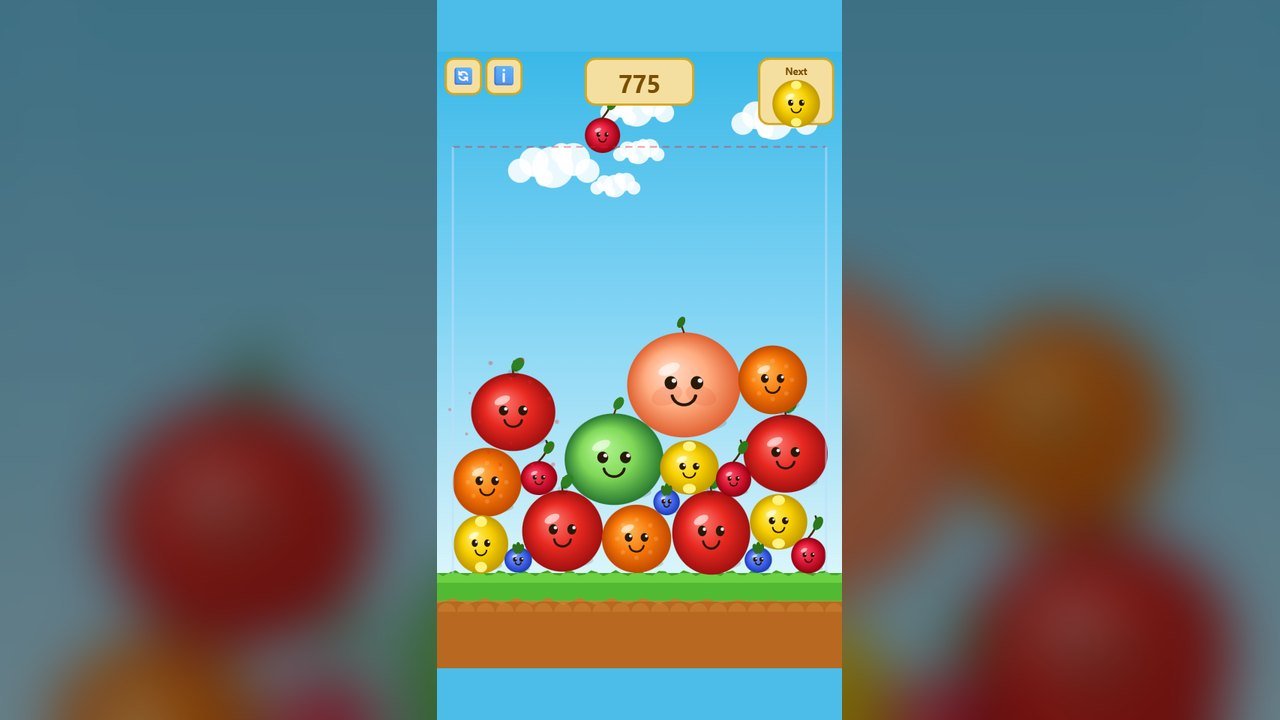
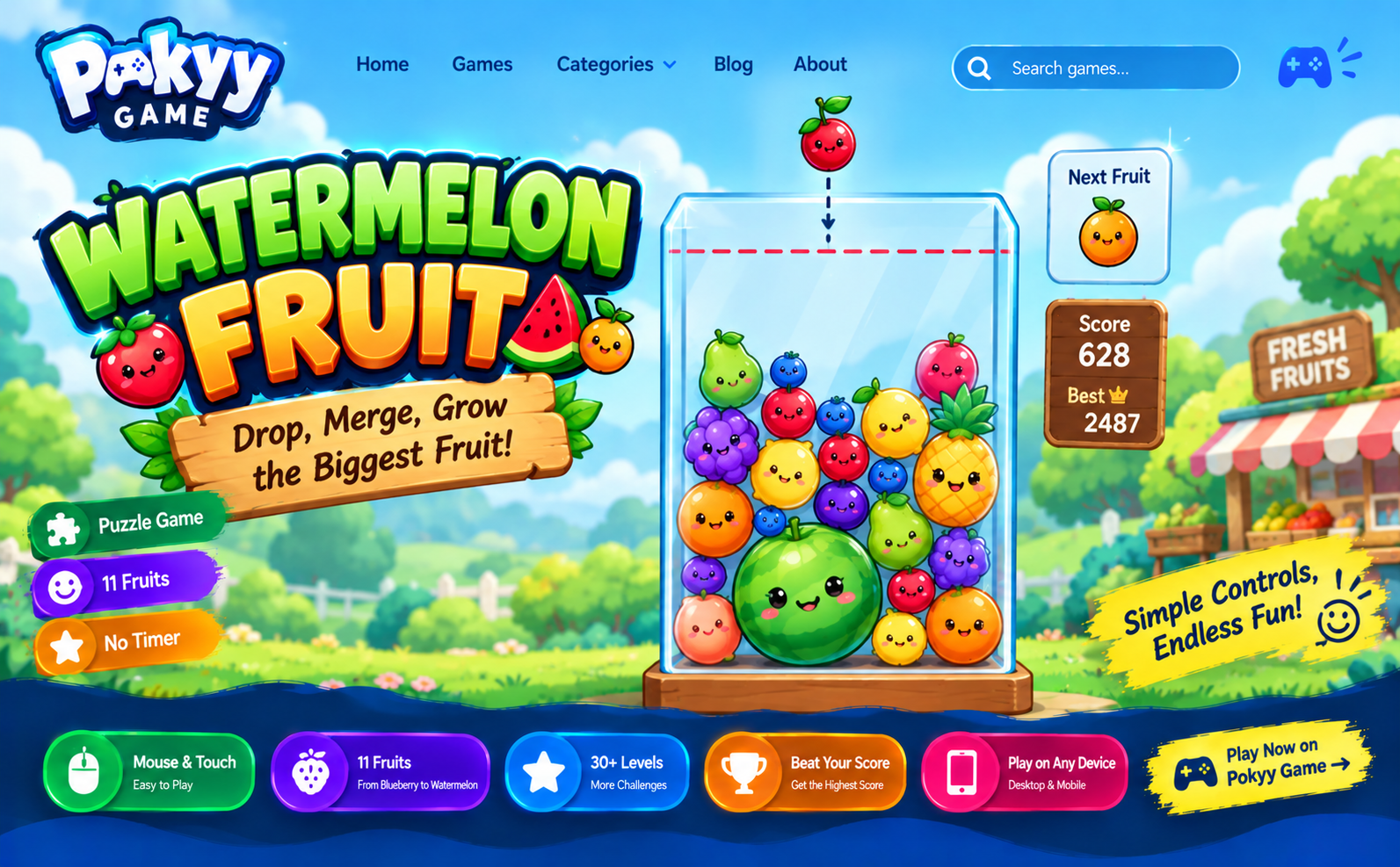
Watermelon Fruit is the kind of watermelon game online that you open for one round and close twenty minutes later. You drop little fruits with smiling faces into a tall glass box, and whenever two of the same fruit touch, they squash together into the next bigger fruit with a small burst of color. Keep merging, and in theory you end up with a giant watermelon.
In practice the box fills up fast. A stray cherry wedged between two oranges can ruin a whole corner, and that's what keeps it interesting.
Move your mouse left and right to aim. A dotted line shows exactly where the fruit will fall, then click to drop it. On a phone or tablet, slide your finger to aim and lift it to drop. A box in the top right corner shows which fruit comes next, so you can plan one move ahead.
There is a red dashed line near the top of the box. If the pile stays above it, the game ends and you see your score and your best score for that visit, with a Play Again button.
There are eleven fruits, from smallest to biggest:
Only the first five ever drop from the top. Everything from the apple up has to be built by merging. Bigger merges score more points: two blueberries making a cherry adds 3, while two melons making a watermelon adds 66.
It's a simple drop and merge game with very soft, cheerful art: blue sky, drifting clouds, green grass and fruits that wobble when they land. There's no timer, so you can think as long as you like before each drop. That makes it relaxing for adults and easy for kids, while still being hard to master.
Yes. The Watermelon Fruit game is free and plays in your browser, nothing to install.
Yes. Slide to aim and lift your finger to drop. The game is built for an upright screen.
Your best score is kept while the page is open. It resets if you reload, so try to beat it in one sitting of this watermelon game online.
 Top
Must Play



 Top


 Top

 Top

 Top





Play Watermelon Fruit free online. Drop fruits, merge matching pairs, and grow a giant watermelon. Keep the pi...
Read MorePlay Arrow Escape free online. Tap arrows with a clear lane, keep your 3 hearts, and solve 30 levels of this c...
Read MorePlay Basketball Dunk free online. Drag the blocks, tap the blue base, and drop the ball in the hoop. A fun phy...
Read More