



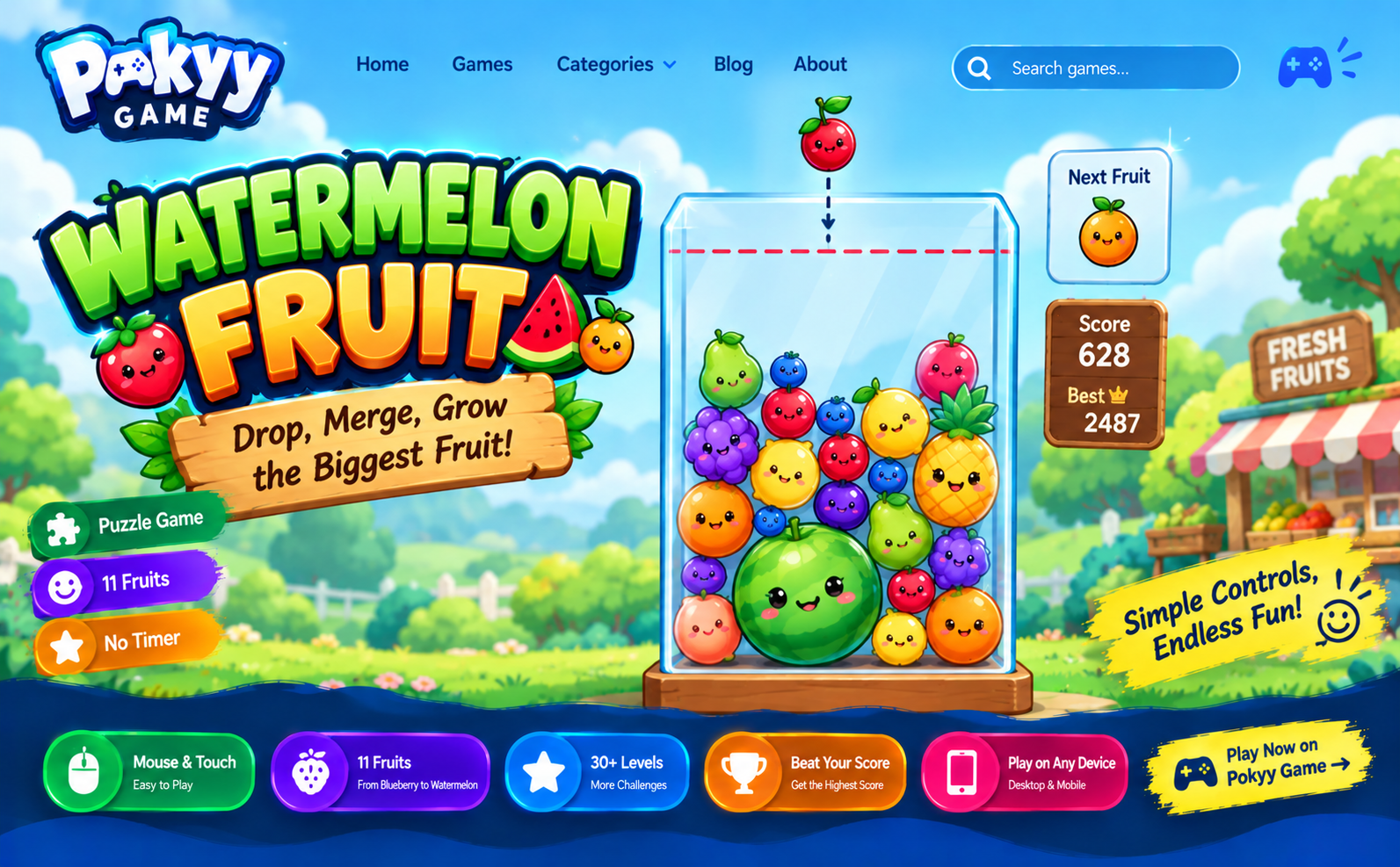
Watermelon Fruit: Play the Free Fruit Merge Game Online
Play Watermelon Fruit free online. Drop fruits, merge matching pairs, and grow a giant watermelon. Keep the pi...
Read More
Pixel Quest
Pixel Quest
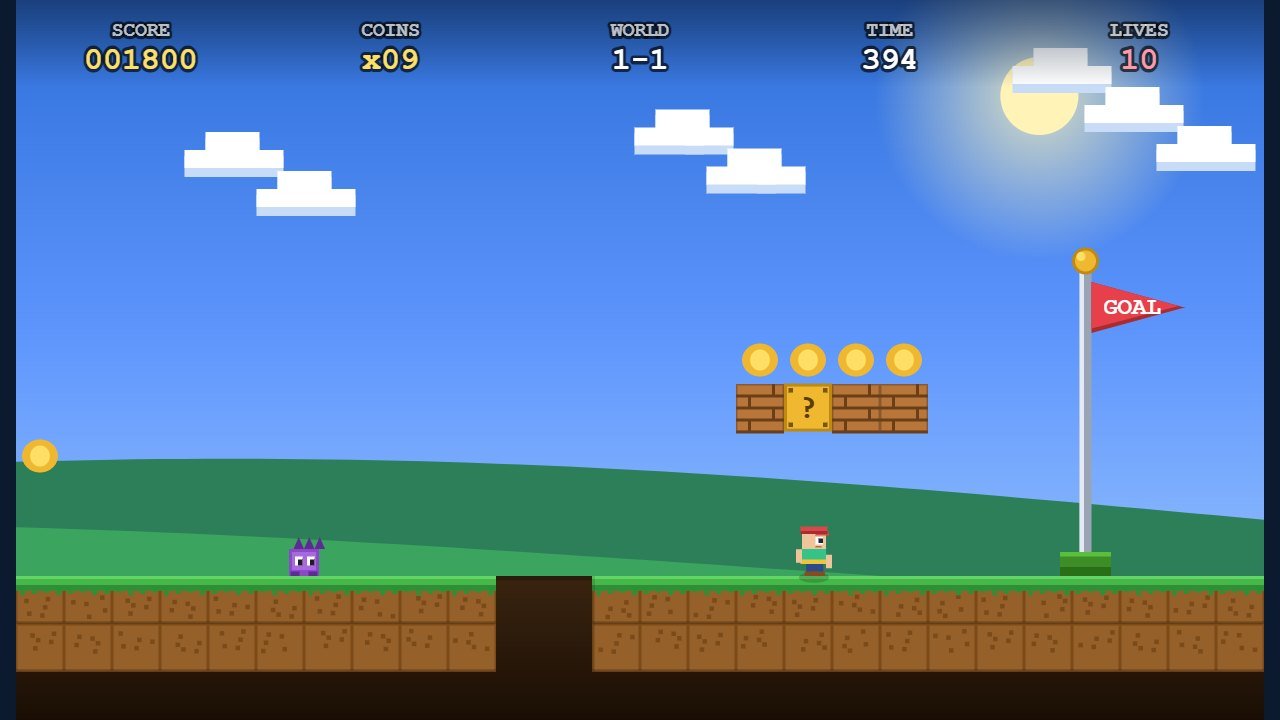
If you grew up on old console platformers, Pixel Quest will feel familiar within about five seconds, since it's a classic side scrolling platformer at heart. This pixel platformer game comes with a little red capped hero, blocky brown ground, puffy pixel clouds and a big sun in the corner. You run to the right, jump the pits, stomp the critters and touch the goal flag at the end of each world.
What makes it nice to play is how the jumping feels. Tap the jump key for a short hop or hold it for a full leap, and the game is forgiving if you press jump a hair after running off a ledge or a moment before you land.
On a phone or tablet, tap the screen to start and a touch pad appears in the corners: left and right buttons on one side, run and jump on the other.
There are three worlds, shown as 1-1, 2-1 and 3-1 at the top of the screen, and they get stricter as you go. The first has narrow pits you can almost walk over. The second adds wider ones, so the run button starts to matter. In the third every gap is wide and you need speed for every jump.
Along the way you will find:
You start with 10 lives and a timer that counts down from 400. Falling into a pit, bumping into a critter or running out of time costs a life and sends you back to the start of that world. Coins and prize blocks are worth 200 points, stomps 100 and bricks 50. When you reach the flag, the time you have left is turned into bonus points, so a fast run pays off. Your best score is saved in your browser and shown on the title screen.
Yes. The Pixel Quest game is free and runs in your browser, with nothing to download.
Yes. Tap to start and use the on screen buttons that show up on touch screens.
Three short worlds. It's a quick jump and run game, and a good run takes a few minutes, which makes this pixel platformer game easy to replay for a higher score.
 Top
Must Play


 Top
 Top

 Top
 Top




Play Watermelon Fruit free online. Drop fruits, merge matching pairs, and grow a giant watermelon. Keep the pi...
Read MorePlay Arrow Escape free online. Tap arrows with a clear lane, keep your 3 hearts, and solve 30 levels of this c...
Read MorePlay Basketball Dunk free online. Drag the blocks, tap the blue base, and drop the ball in the hoop. A fun phy...
Read More